 Marpora
Make AI drafts worth presenting.
Shape AI-generated Markdown into slides you can explain.
Draft together. Think it through.
Bring your AI coding tool to the same folder.
Draft in plain text
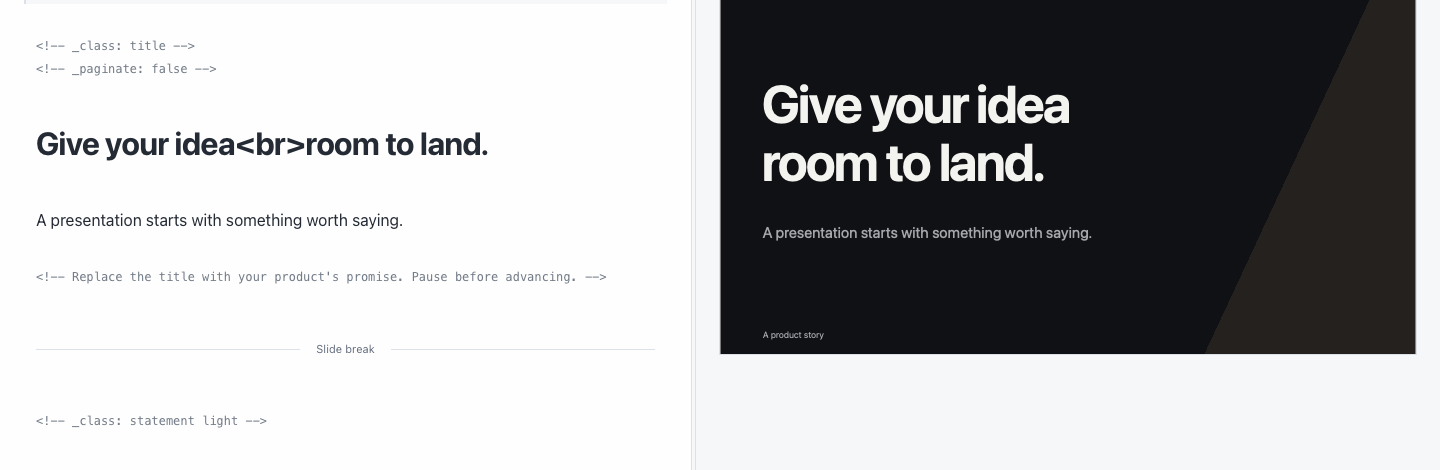
Ask your AI agent for a Marp deck.
Read as you edit
Refine the argument beside its rendered slide.
Present what you understand
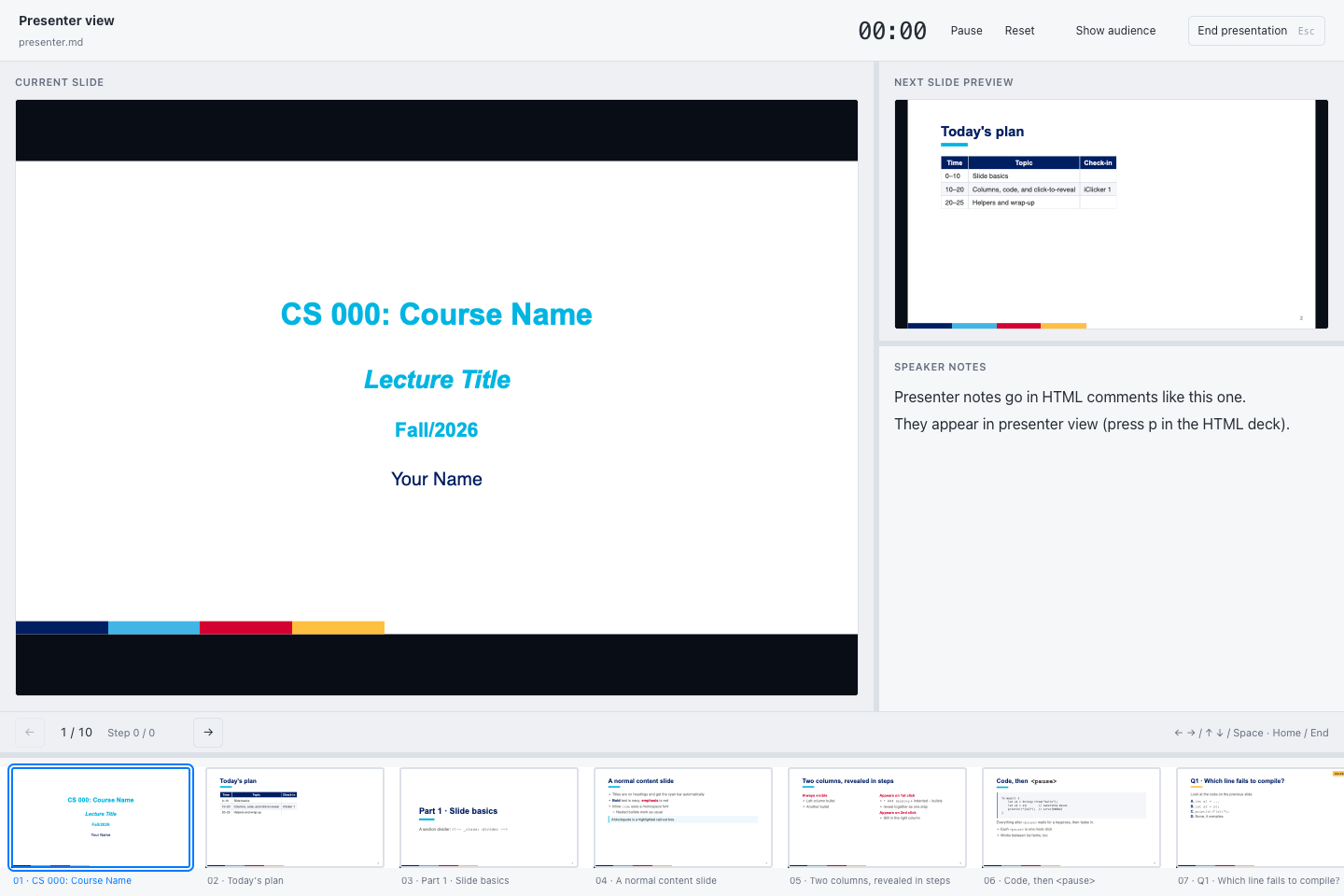
Rehearse privately, then present on a second screen.
Create a 10-minute Marp talk.

One idea per slide.
Examples before abstractions.
Speaker notes explaining the reasoning.
Relative images in assets/.
End with audience questions.
Four templates. Ready offline.
Original Marp themes for product, teaching, research and business.
View the template guide



Your files. Your thinking.
An ordinary folder is enough.
Local Markdown works with Git, your backups and your AI. No account needed.
my-presentation/
  deck.md
  research.md
  assets/
    diagram.png
Before you download
What can I use today?
Live Markdown editing, Marp slides, offline templates, HTML/PDF export, and dual-screen presenting. macOS is available; Windows and Linux installers are planned.
Does Marpora generate AI content?
Use your own AI agent with your files. There is no built-in model subscription or chat. A local CLI, automatic disk refresh and media insertion are in development.
What does it cost?
The current desktop app is free and open source under MIT. Optional cloud services may come later; there is no paid plan or sync service today.
Is the Mac app notarized?
This is an early prototype. Current installers are ad-hoc signed and are not Apple-notarized. See the release notes before installing.